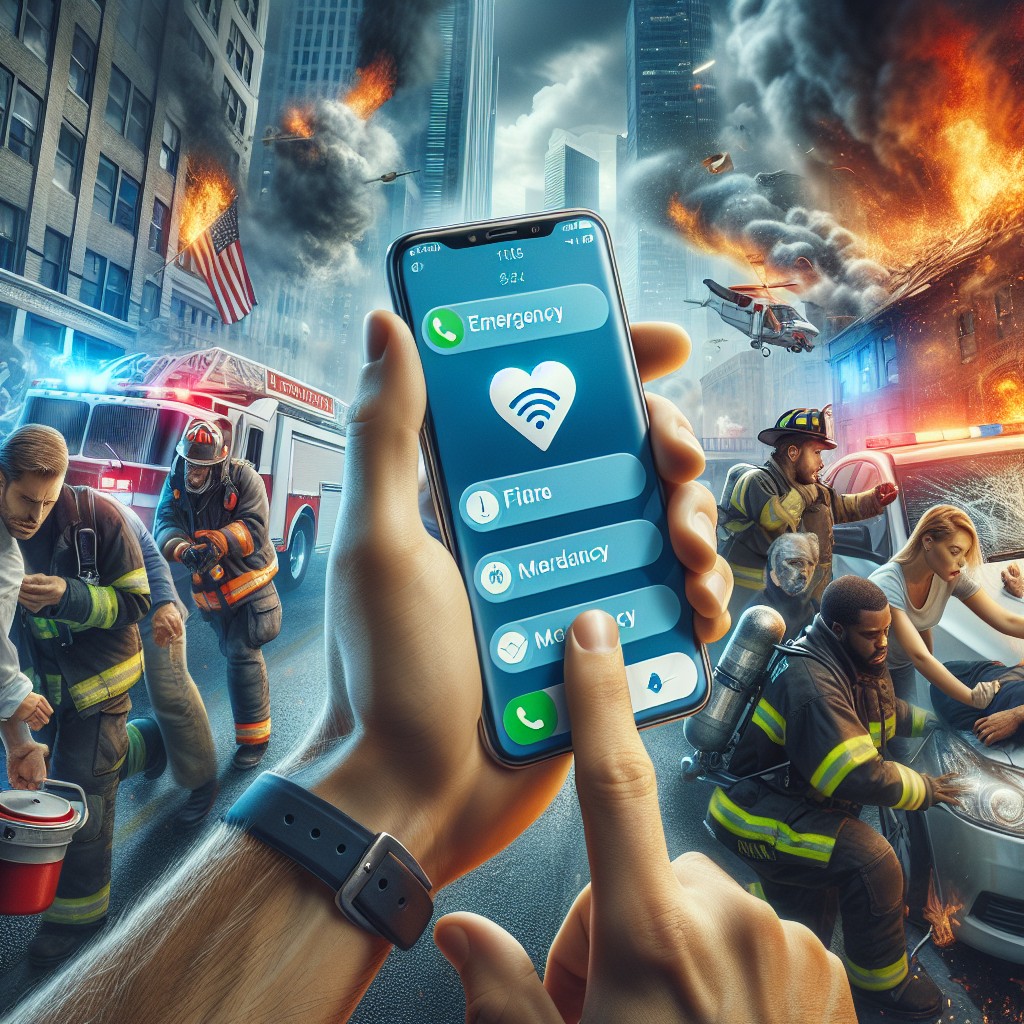
In a world where timely information can make the difference in life-threatening situations, emergency messaging apps have become essential tools for public safety. However, simply having an app installed is not enough if alerts go unnoticed. Understanding how to properly set and manage alerts ensures critical warnings get your immediate attention.
Understanding Emergency Messaging and Its Importance
Emergency messaging refers to the distribution of urgent notifications via various platforms to warn individuals about dangers such as severe weather, natural disasters, or security threats. The effectiveness of these messages depends not only on the speed of dissemination but also on the recipient’s ability to receive and respond promptly. Misconfigured alerts or overlooked notifications can hinder timely action and increase risks.
Key Features to Look for in Emergency Messaging Apps
Modern emergency messaging apps offer features designed to increase alert visibility. High-priority notifications that override silent modes, geo-targeting to receive location-specific warnings, and integration with local authorities enhance relevance and urgency. Some apps provide customizable alert tones and vibration patterns to differentiate emergency messages from regular notifications. Choosing an app with these built-in functions is critical for effective alert reception.
How to Optimize Alert Settings for Maximum Noticeability
Users must actively configure app settings to ensure they do not miss emergency alerts. This involves enabling notifications at a system level and verifying that the app has the required permissions. Activating persistent banners or pop-up alerts can prevent messages from being buried among other notifications. It is also advisable to select distinct alert sounds and enable vibration, which can draw attention even when the device is in a pocket or purse.
Addressing Common Challenges in Receiving Emergency Messages
Despite technological improvements, users sometimes fail to notice emergency messaging due to device settings like ‘Do Not Disturb’ or low volume. Network connectivity issues may also delay message delivery. Staying informed about the app’s technical requirements and regularly updating the software helps mitigate these issues. Users should also test alerts, where possible, to become familiar with notification patterns.
The Role of Authorities and Developers in Enhancing Emergency Messaging Effectiveness
Authorities globally have standardized protocols to improve emergency messaging, incorporating loud, attention-grabbing alerts and ensuring compatibility with a range of devices. Developers continue to enhance app interfaces to make alert customization straightforward. Collaboration between public institutions and technology providers is vital to maintain reliable channels for disseminating critical information swiftly and effectively.
For those seeking further authoritative information on emergency messaging systems, official resources from international emergency management agencies offer guidance on best practices and technology standards.
As emergency situations increasingly demand immediate and clear communication, the refinement of alert settings on emergency messaging apps is essential. With the proper configuration and awareness, users can ensure they receive timely warnings that enable prompt, informed actions. Continued advancement and user education will likely enhance the overall impact of these tools on public safety in the coming years.
Frequently Asked Questions about emergency messaging
What is the primary purpose of emergency messaging?
Emergency messaging aims to deliver critical alerts that inform individuals about imminent threats or hazards to facilitate quick and informed responses.
How can I ensure emergency messaging alerts are not missed on my device?
To avoid missing alerts, enable notifications for emergency messaging apps, allow high-priority notifications, and customize alert sounds and vibration settings for better visibility.
Are emergency messaging alerts affected by silent or Do Not Disturb modes?
Some emergency messaging apps are designed to override silent and Do Not Disturb modes to ensure important alerts come through, but this depends on app permissions and device settings.
Can emergency messaging apps provide location-specific warnings?
Yes, many emergency messaging apps use geo-targeting to send alerts relevant to the user’s current location, improving the relevance and urgency of the messages.
Where can I find official information about emergency messaging standards?
Official information and guidelines about emergency messaging can be found on websites of recognized authorities such as government emergency management agencies and international organizations focused on public safety.